Search the Community
Showing results for tags 'detector tech'.
-
 I know with smf, turning sensitivity down and/or turning iron bias up helps. My single frequency detectors get zero false hits. I'm guessing the false hits come from the high frequency in smf? My Gold Racer at 56 khz hits great on smaller iron relics which I like. The Gold Racer is great relic hunter with great depth and absolutely incredible separation like nothing I've seen.
 -
 I remember the days where you installed your PC operating system and other programs like MS Word from floppy disks or CD-roms. In the metal detecting world you bought a new metal detector and what you see is what you get period for the life of the detector. Now our PC operating systems, software and metal detectors get updated for free for the many years the manufacturer chooses to support that software or metal detector. That is a very good added value built into products that can be updated.
 -
 We’ve got Minelab 6000, Garrett Axiom and now AlgoForce E1500 maybe sooner than we think it will be here in the US . The trouble is we have a door that has yet to be open bye Nokta Makro and I’m calling it door 4. I do believe when they swing that door open it will be a price point to shake up the two top PI detector companies we have now. To say if it will affect the third one on the list only time will tell. I’d be much surprised if Minelab don’t have something cooking right now on how they can throw a pipe in the works of AlgoForce . With Minelab I’d believe they can and will put out something selling at cost are at a loss for a while just to keep anyone off the top of the hill. With Garrett I see them sitting in a rocking chair and happy where they at but not to say they we won’t see the Axiom on sale from time to time. The best thing of all of this it’s going to benefit you and I the customer down the road. Right now I wish every detector company the very best because in the long run we the one’s they have to please. Chuck
 -
Has anyone with the capability tried to check the TX frequencies Klz ranges on the different SMF modes for Garrett, XP, Minelab, & Nokta SMF detectors. Curious to know what they run as I believe this will show which ones excel on small and bigger targets better. Attached is a chart someone with an oscilloscope put together showing only two frequencies outputs on the Deus 2 SMF modes.

-
 I think despite my initial disappointment I will be buying a Vortex. Main reasons are the 3 tiered target analysis and ability to see/display more than one target at a time. How many machines out there can display the ferrous and conductive properties of a target? Only the FBS machines and the Manticore as far as I know. Only the CTX and Manticore are waterproof (also $1700-$2000). How many machines out there can display more than one target at a time? Only the top of the line Minelabs can display multiple traces until the Vortex came along.
 -
 This is a copy of a post I made elsewhere, expanded and updated. Do we really need a zillion controls? You know, one of the best detectors I ever had was the White’s MXT. Not a ton of settings, just three modes with some basic adjustments. Easy to understand and a good if not great performer, got the job done. There is a fine balance between features and usefulness. V3i went too far for many, and many who got a V3i went back to the MXT. Not because the MXT was more powerful but because the ability to easily master its control set inspired confidence. With V3i you honestly really never really knew if you were set up right. Maybe the elite here will take a pass on detectors with basic control sets, but trust me as a very successful detector seller in my day, the cutting edge is not where the bread and butter sales are. I sold about 50 MXT for every V3i that went out the door. Amazing thing about the MXT - the control set: On/Off and Gain (Sensitivity) Mode Switch - a. Coin & Jewelry b. Relic c. Prospecting Ground Switch - a. ground tracking b. salt (beach) c. locked at last tracked position Dual Control - a. disc in relic mode b. vsat in prospecting mode Threshold Pinpoint Trigger Just the basics, not even a volume control. You did that at the headphones. Yet it not only worked it worked extremely well because the three main modes were close to perfect as they were. Do you really need twenty adjustments for iron bias and tones etc. or do you need a detector designed to work properly out of the box with only a few controls? I think the MXT perfectly illustrates that more controls is not always better. The choice of course is an individual one. I like full tones for instance but does it make the detector find anything deeper or give it better separation? A person running two tones will find the same targets I find in full tones. I would say it helps me decide what to dig and what not to dig, better discrimination, and there is that. So I'm not saying any opinions on this are right or wrong but I do think a solid case can be made for detectors that are designed to run extremely well with minimal adjustments. The MXT was a best selling classic and it was largely because anyone could pick it up and go without getting a degree in metal detecting. Everything you needed to know was printed on the bottom of the control box! Minelab obviously bought into this philosophy in PI after the settings packed deep menu GPX 5000. The GPX 5000 is the V3i version of a PI detector. The SDC 2300 by contrast is a study in simplicity, and the Gold Monster plus GPX 6000 continue the idea of less being more. Food for thought.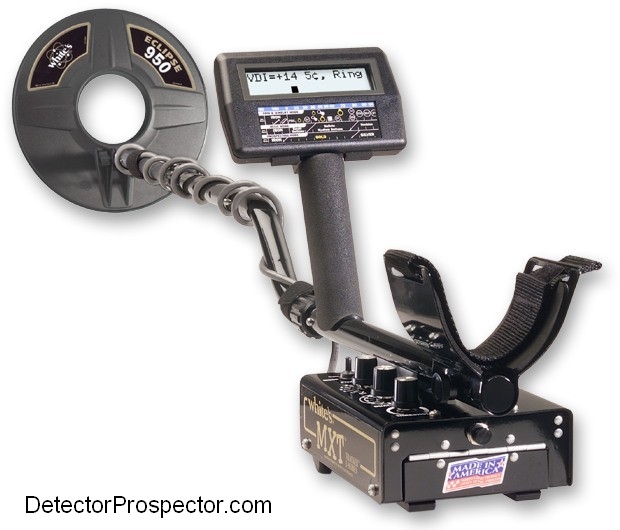

-
On Facebook a user is constantly spamming every post with the following information “In the United States, all commercial metal detectors are covered by regulations and laws that limit how much power they can produce, what 'frequencies' they can use, how deeply a particular type of coil can propagate, etc. *ALL* detectors fall within the same standards. There is no brand, make or model that is better than the others.” I’ve never seen such a law, though I know some laws exist as to interference. My understanding is EMI and ground effects come into play long before any limits placed by the FCC. If limits on coil propagation are what’s holding detectors back, what about 2-box detectors? Anyway, I’m curious of your input here from those who might be in the know.
-
 This is quite an exciting offering from Garret's newest platform, would really like the other companies to do the same sort of offerings. A friend was just saying to me a few weeks back that having several options for uploads would be great for allowing the beginners and the professionals to have the options they want. I could see Minelab offering the GPX-6000 and GM-1000 with its super user-friendly package option for the foreign markets and for the people that just want a quiet turn on and go detector. And then there's the professional guys that want the GPX-5000 and Manticore's complexity of controls added to the 6000 and 1000 that would be willing to pay a lot more just to buy the upgrade and they also do not want to keep selling off their older detectors into the used detector markets for a huge loss just to buy the newer versions. Maybe we could even add more warranty time in the upgrade packages.
 -
On modern SMF detectors, does the control pod act as a conduit for EMI? If so, how much more suspectable is it to EMI compared to the looping large surface area of the coil's wires? I suggest that component shielding is simple, cheap, and very effective. I also suspect that modern SMF detectors have such pod shielding. As such, I can't see how a pod can be suspectable to EMI in way that's even remotely close to the susceptibility of the coil wires. Is that right or am I missing something?
-
Garrett puts out a more affordable option on the Axiom. Nokta announces 2 new pulse inductions are in the works and not far off. @Steve Herschbach announces that the steps to bring the algoforce to the states are being addressed as we speak. I'm honestly glad I don't have the funds right now to grab a new PI. By the time I can justify it, I will probably have a couple more choices to get what's best for me. It's a good time to be in this hobby.
-
I have been following the recent/current controversy about the new Rutus Versa & it’s performance. Iffy Signals standardized 3D separation/unmasking tests really lit a fire. I’m glad it did because it will benefit Rutus, the new Versa & anyone who is objective and thoughtful. I am not a big fan of Social Media but You tube has proved invaluable in speeding not only some hurt feelings, but reproof & useful information/instruction. I’m sure l would have eventually figured out how to correctly set up the machine to pass this test & more effectively unmask in iron trash. I already know to do this with the Legend, MXT, Anfibio, F5,,,well,,,all my other machines. Surprise? But the Versa is a little different in design for tone break/Disc/Iron volume and there is a lot of information detail lost in the translation of language. Are people too quick to put up videos? No, I want to see it in action. Are people to quick to give an opinion? No, I will consider the source & make up my own mind. Are the self appointed “experts” too quick to pass Final Judgment? Most certainly. We saw this same storyline with the Deus 2, Legend, Manticore, Equinox 900 and every other introduction. They have all been better explained/understood & improved upon, thanks to controversy and the reach & speed of Social Media and passionate users & responsive manufacturers. Dang, now l have to re-hunt those same areas where the Versa already pulled some masked targets out of that had been missed by my other properly adjusted machines.
-
Greetings to all! My name is Alexander, I am from Ukraine (Eastern Europe). I represent myself and my friends, we developed a portable type GPR many years ago and gave it the name EasyRad. We have developed a georadar and software for it. We would like to get in touch (get contact) with those people or organizations who need to search for gold in the United States and Alaska. To my regret, on forums of gold prospectors and forums of archaeologists there are no sections "georadars", there are only metal detectors. I would like to convey to the searchers the information that GPR is not expensive and it allows you to explore underground spaces quickly and with great interest ? We produce this GPR equipment, so we can answer all your questions. Our radar has a very affordable price for individual use, unlike other radars. See the web link below for examples. EasyRad GPR is a portable multi-purpose scanning ground penetrating radar of sub-surface probing for the problems of engineering geology, hydrogeology, archeology, ecology, field engineering as well as for search and rescue operations. https://www.easyrad.com.ua/index.php?r=index_en
-
Looks like everyone is having a different copy version made of all the older Minelab technology. A definite sign Minelab needs to start filling the demand for newer better detector technologies unless of course they have hit a wall. I doubt that is the case as they have the largest electronics engineering team ever known for hobby detector development and have had these engineers on board for a long time now. Surprising they have had no new releases for such a long time in the gold detector series. So what has happened in comparison to the early years when the SD/GP/GPX releases were quite frequent, seems every 2 years or sooner then. Even though they were mostly minor upgrades until the GPX series they were enough to get the buyers interested. The GPX-5000 is about 14 years old and has been still a great selling detector, now it’s not available in the U.S. and you can only get a fake on the knock off marketplace now. SDC-2300 is 12 years old and still no Platypus coil for it. ZED is 9 years old. GM-1000 is 7 years old and still single frequency. So other companies have had plenty of time to make similar designs in a lower price range. Seems like we should have had had an upgraded wide variety and selection of the above mentioned models out by now. Give me a GPX-5500 in a light package and includes the SD2200d or original GPX-4500 depth range and Micks mods incorporated into it and you would have the professional gold hunter market covered. The GPX-6000 should have been called the GPX-auto lite since it has no larger coil options and would of been a great entry level for beginners with a lower price point than the above professional option mentioned. Hopefully things change for the better with the current Minelab corporate leadership and that they get back into the top player market again.
-
I searched the internet but, still not sure What does SAT adjustment mean on a metal detector? What is SAT. Thanks, Joe
-
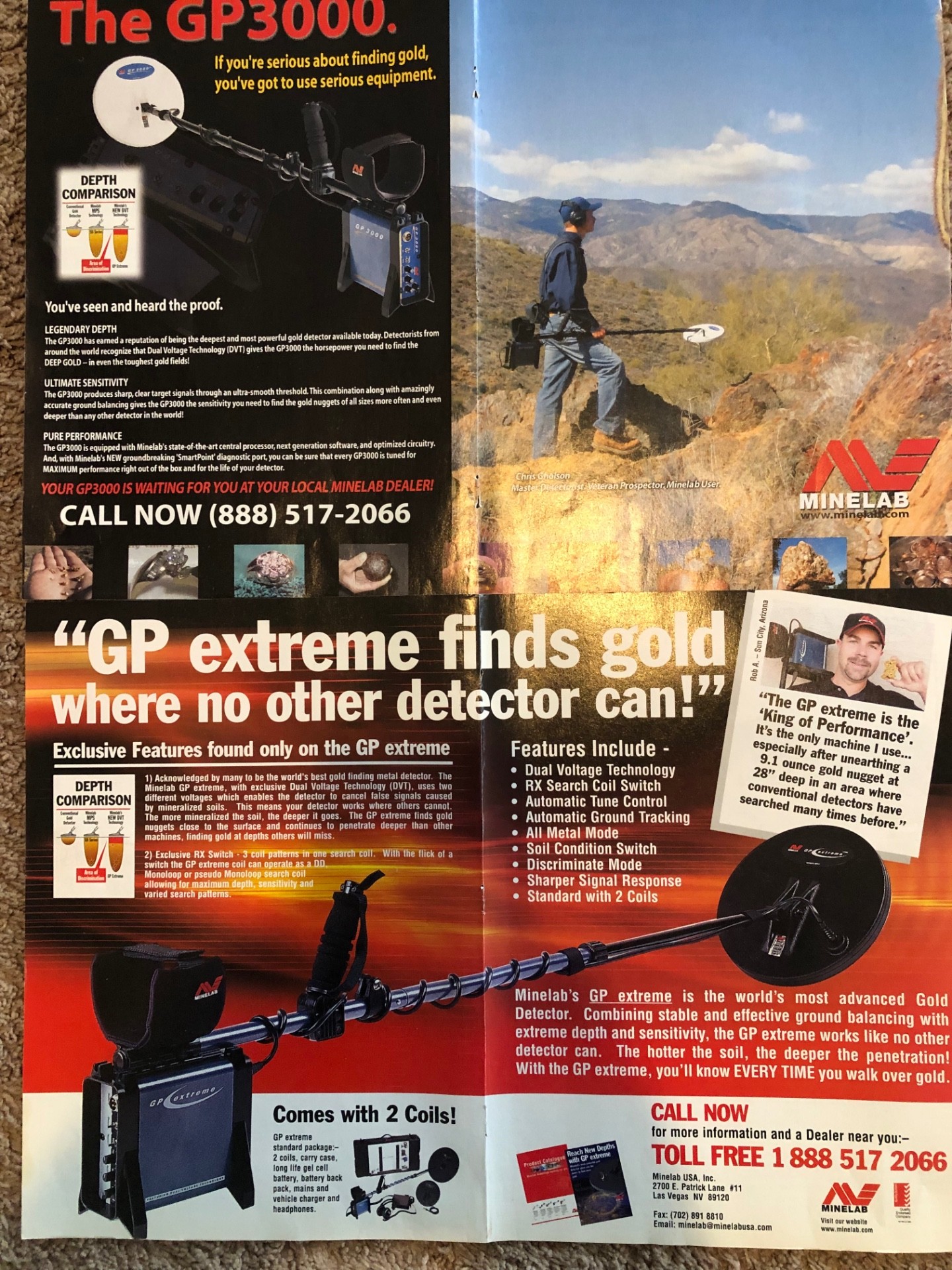
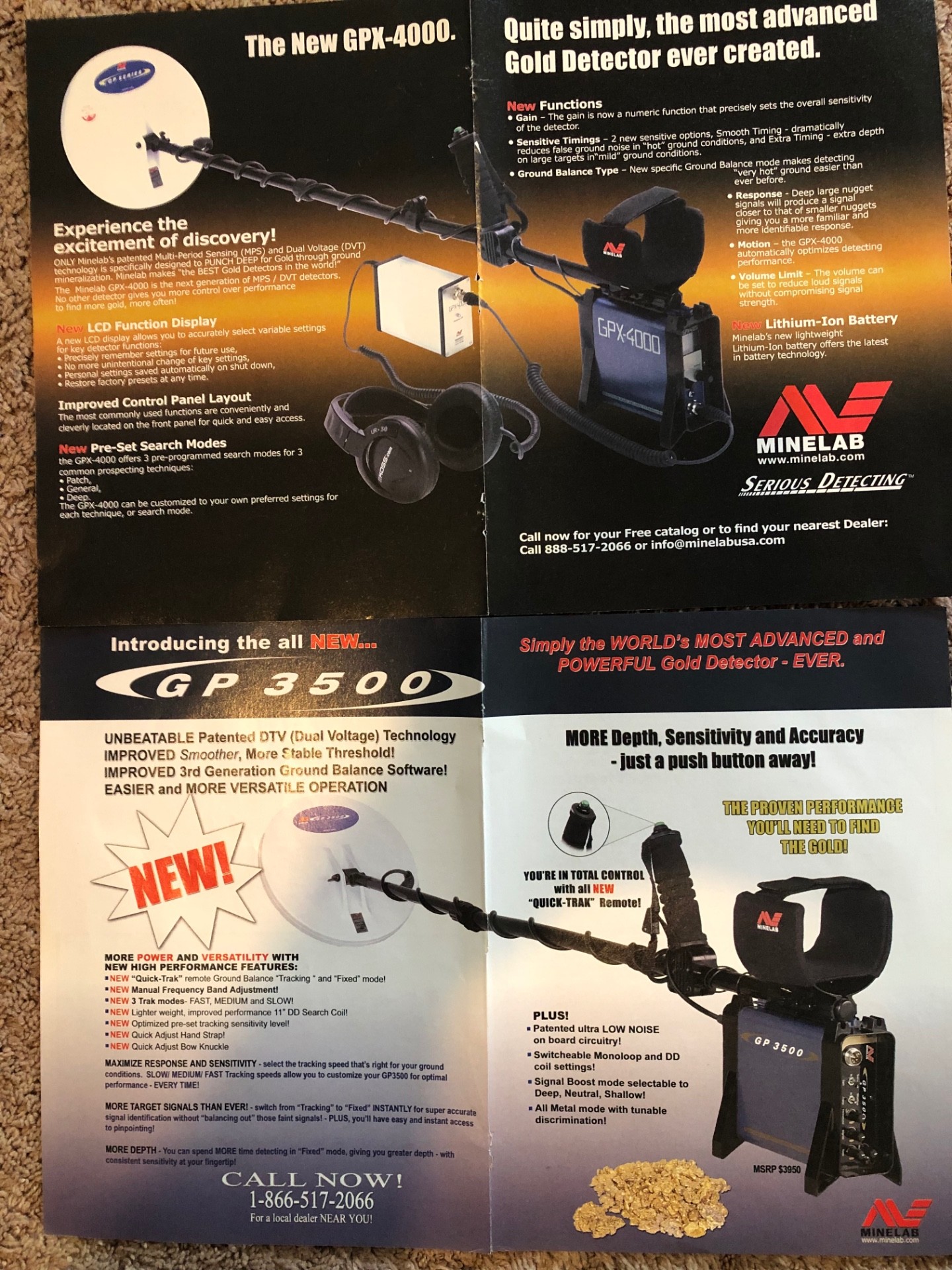
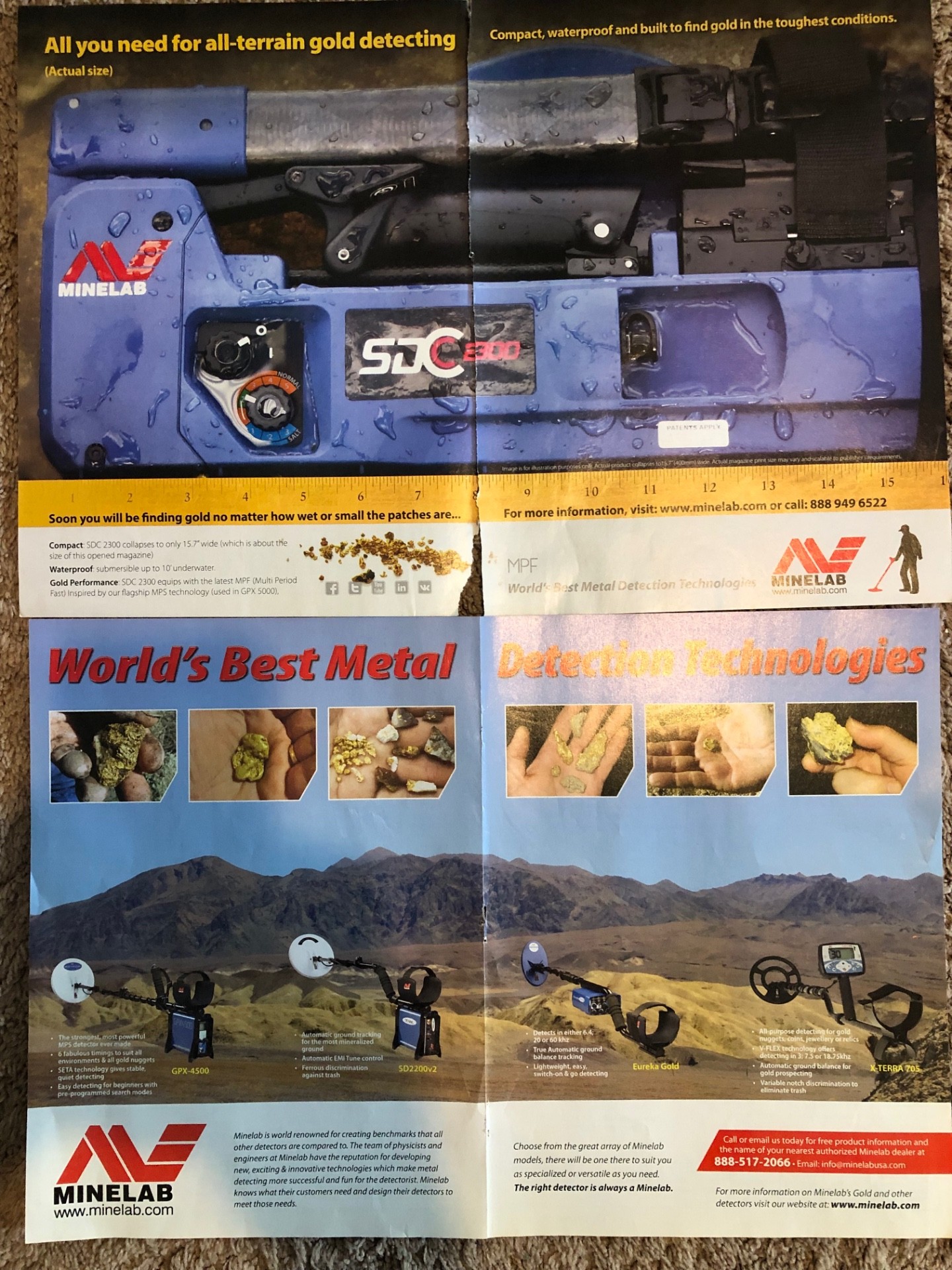
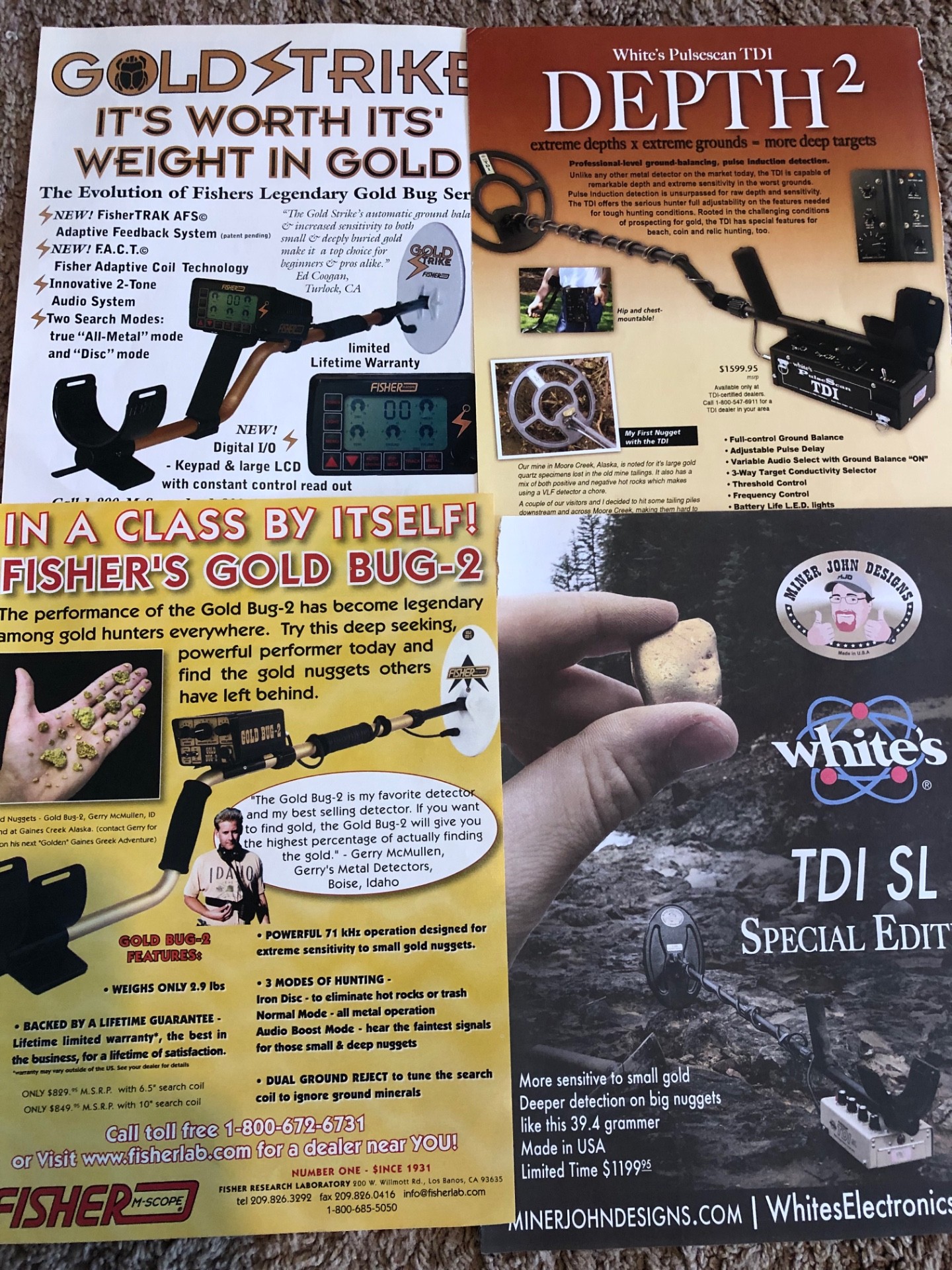
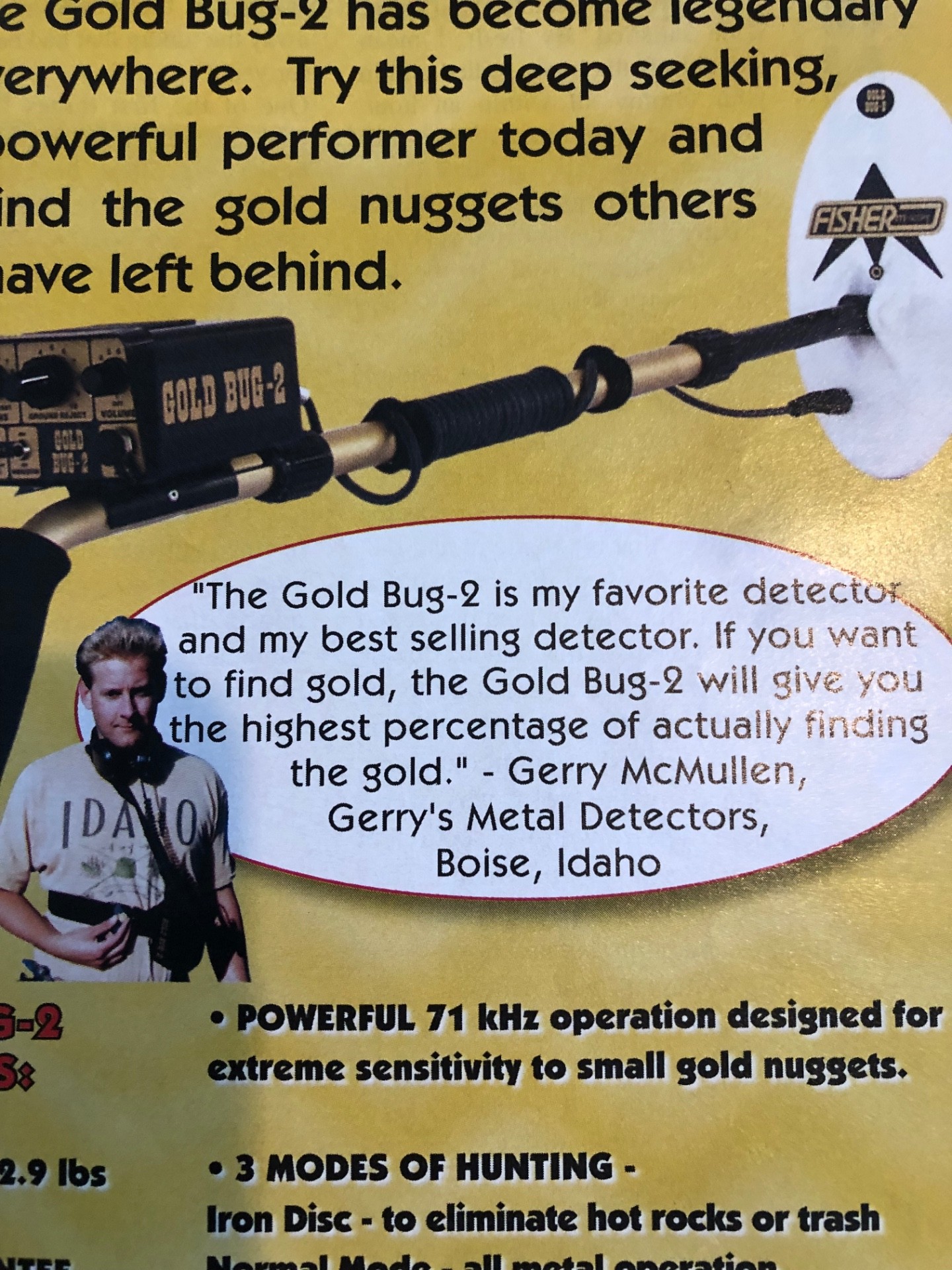
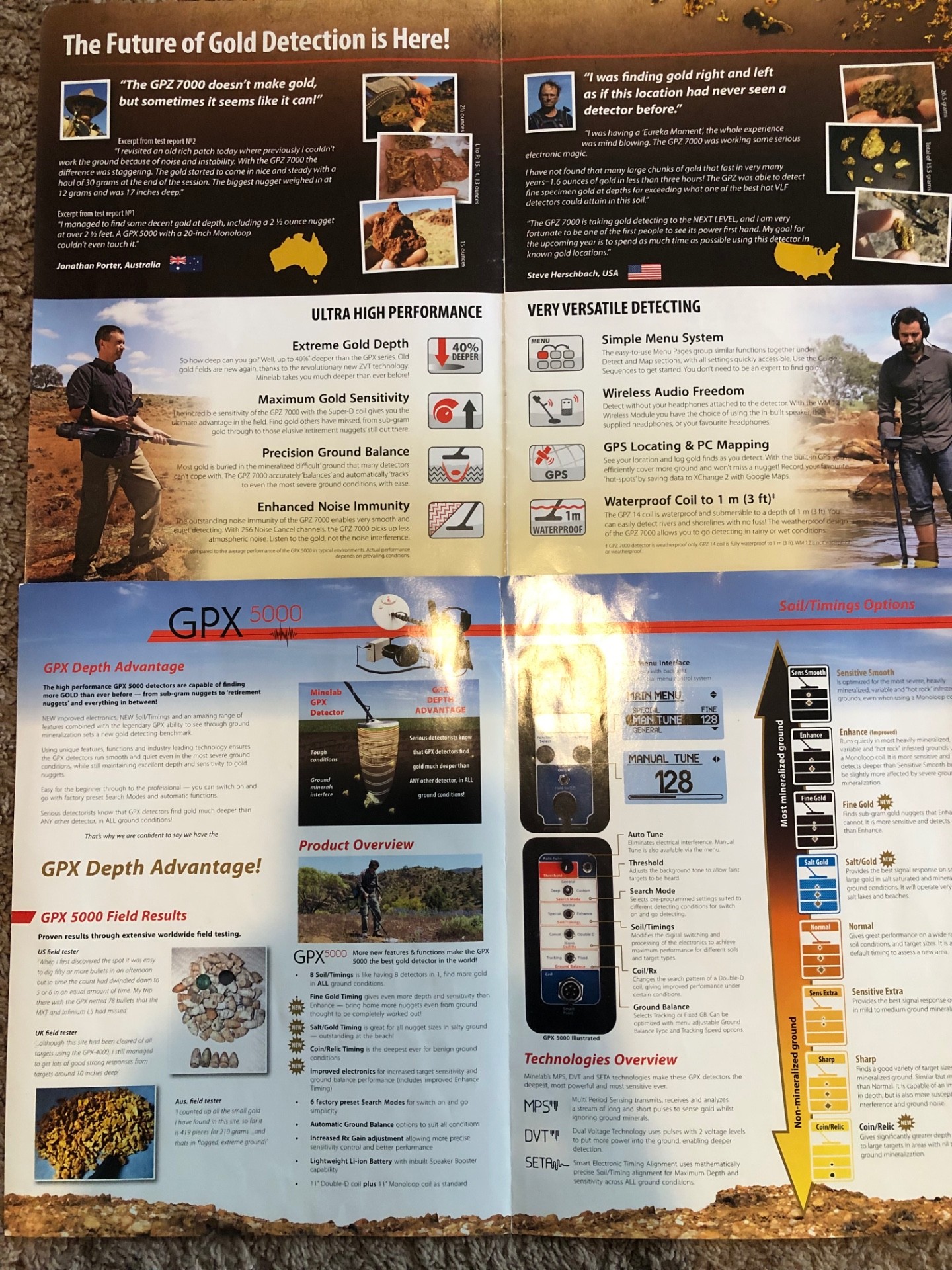
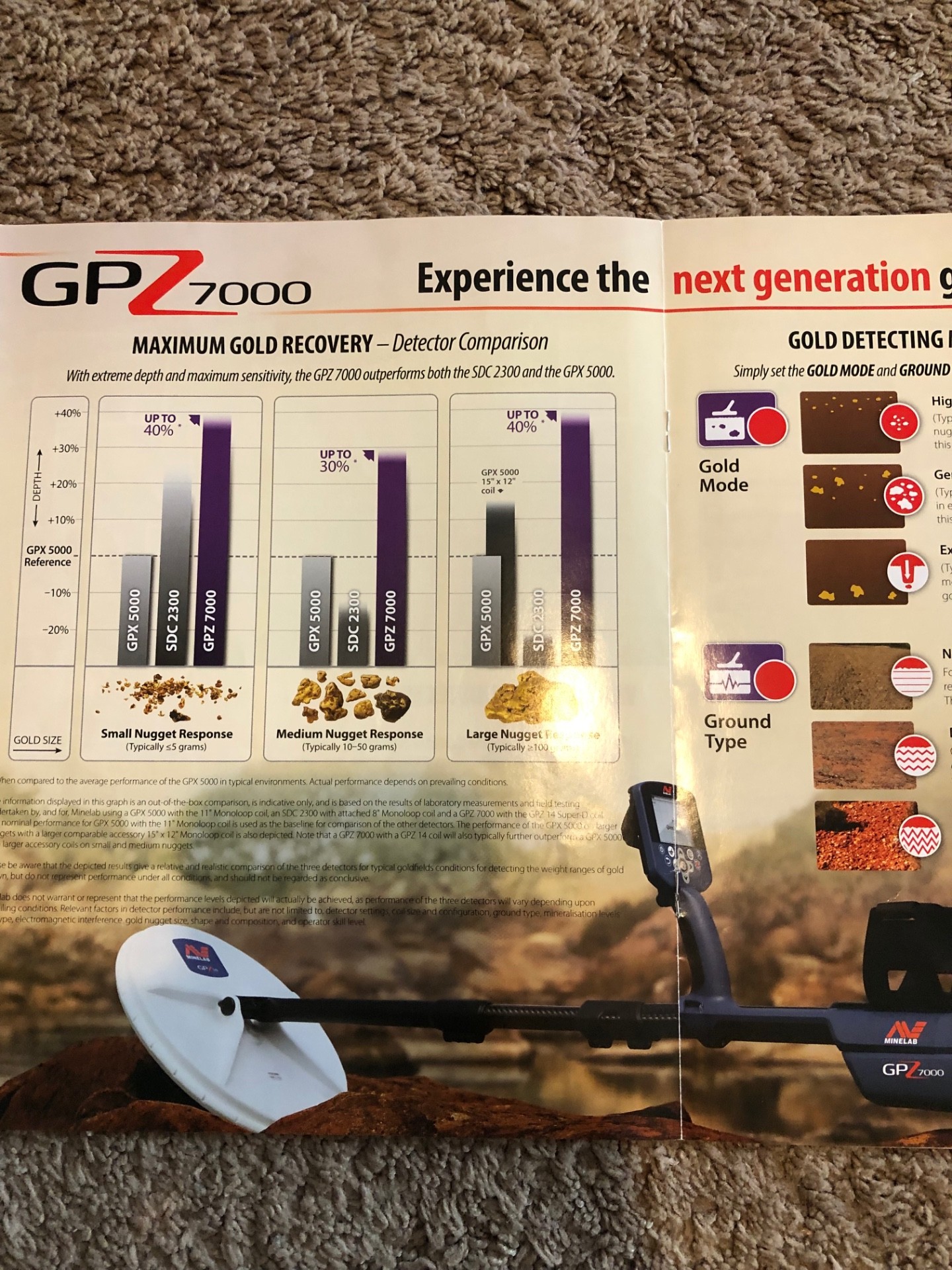
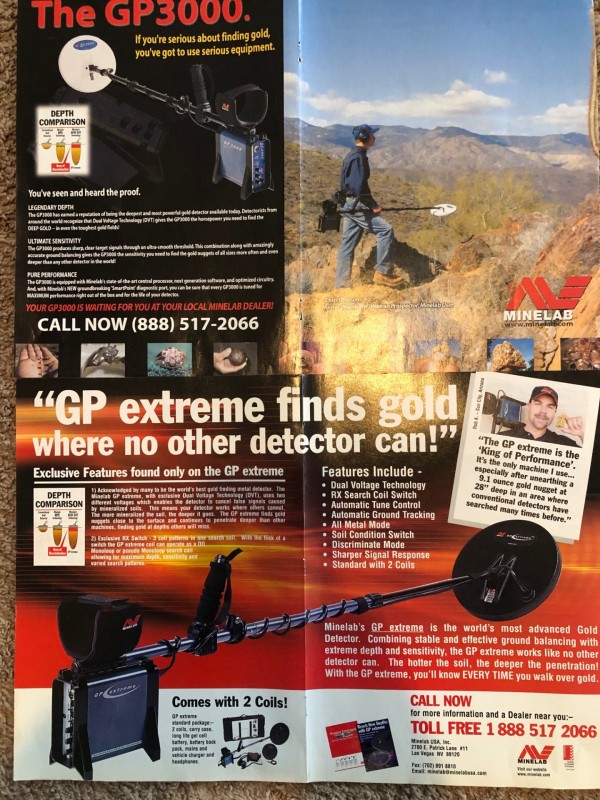
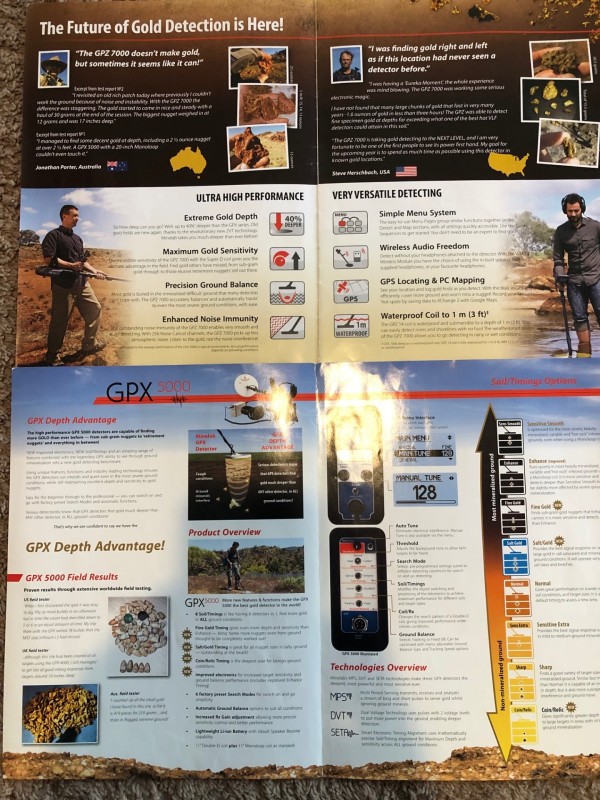
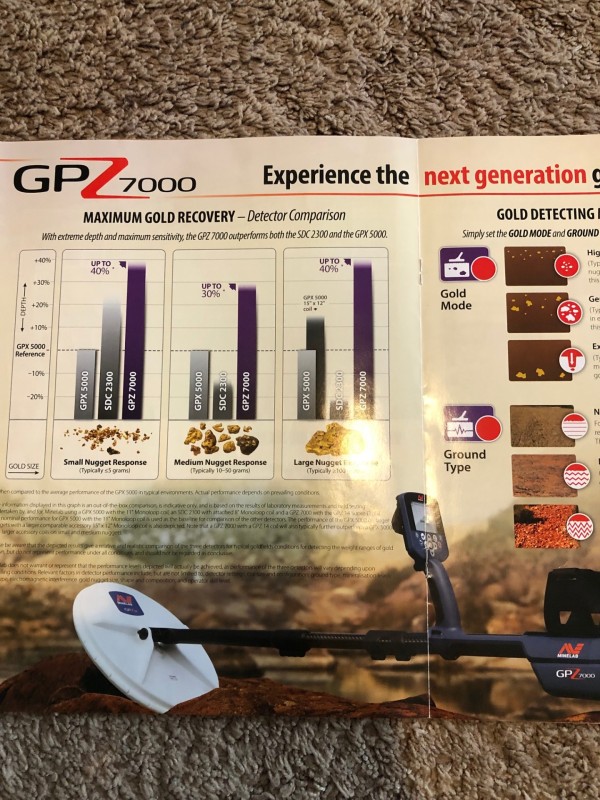
Just thought I’d share some of the original adds from the old PI adds. Maybe someone has even some older ones they could share. lot’s of familiar names from the hay days. ? Even found some Vlf adds.
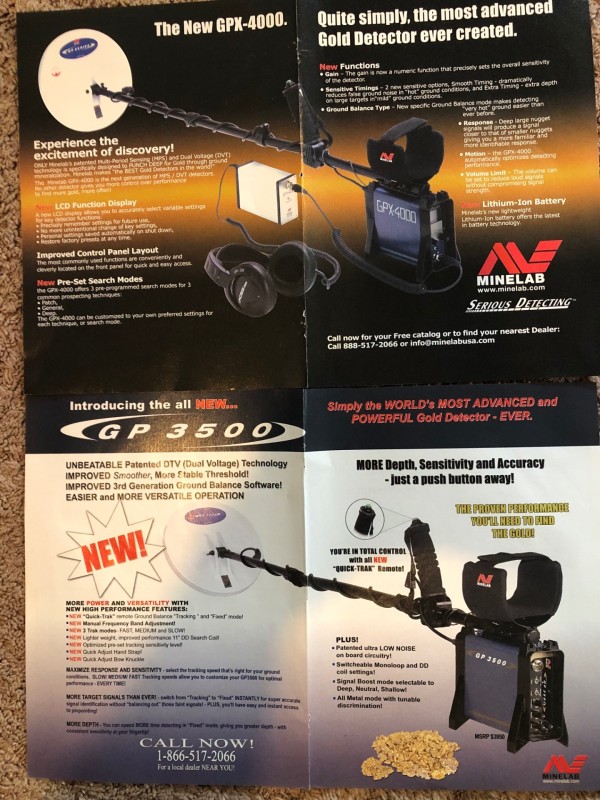
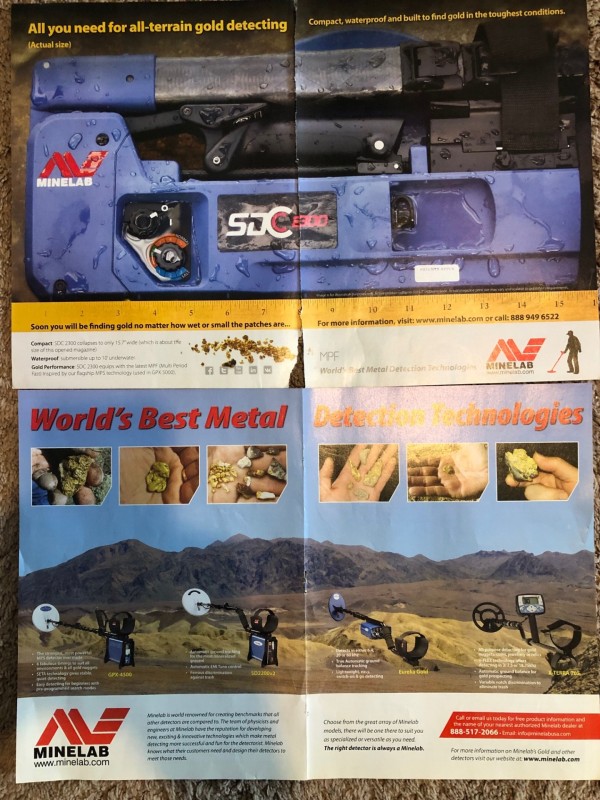
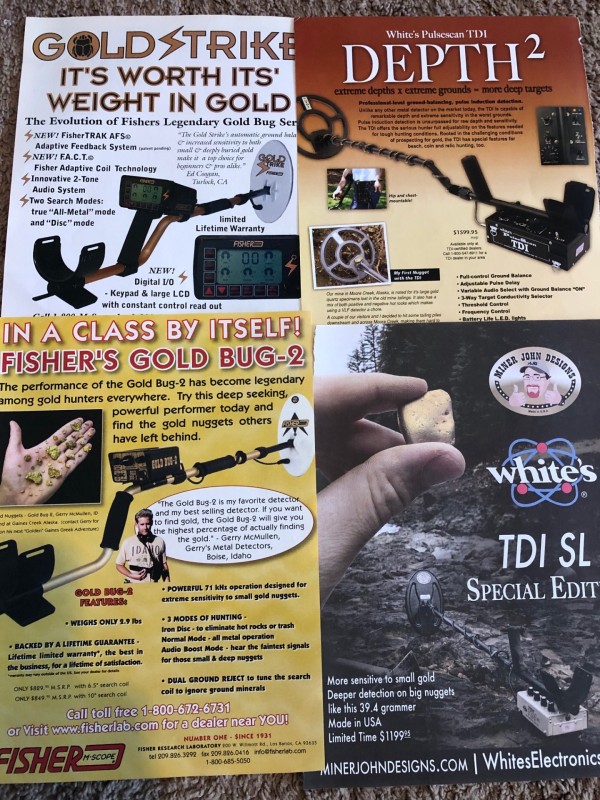
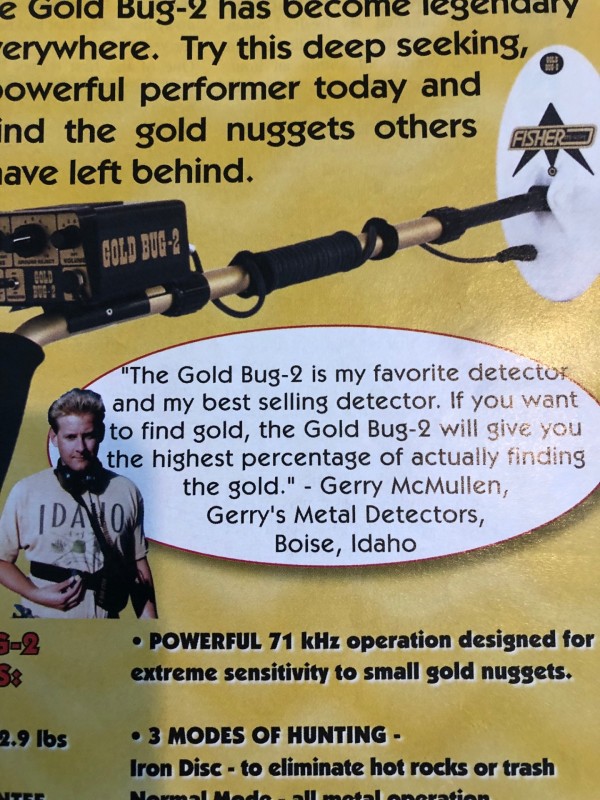
-
Not sure if this has been posted already but this sounds interesting. According to Woody who is the maker of this new detector, it will be light-years ahead of any other detector currently available. Due possibly this year. I have no idea if the mods he does are any good or if he can create something better than what companies with many emploees/$$$ have at their disposal but I'm rooting that he can. It has an 8-pin plug, wonder why?
-
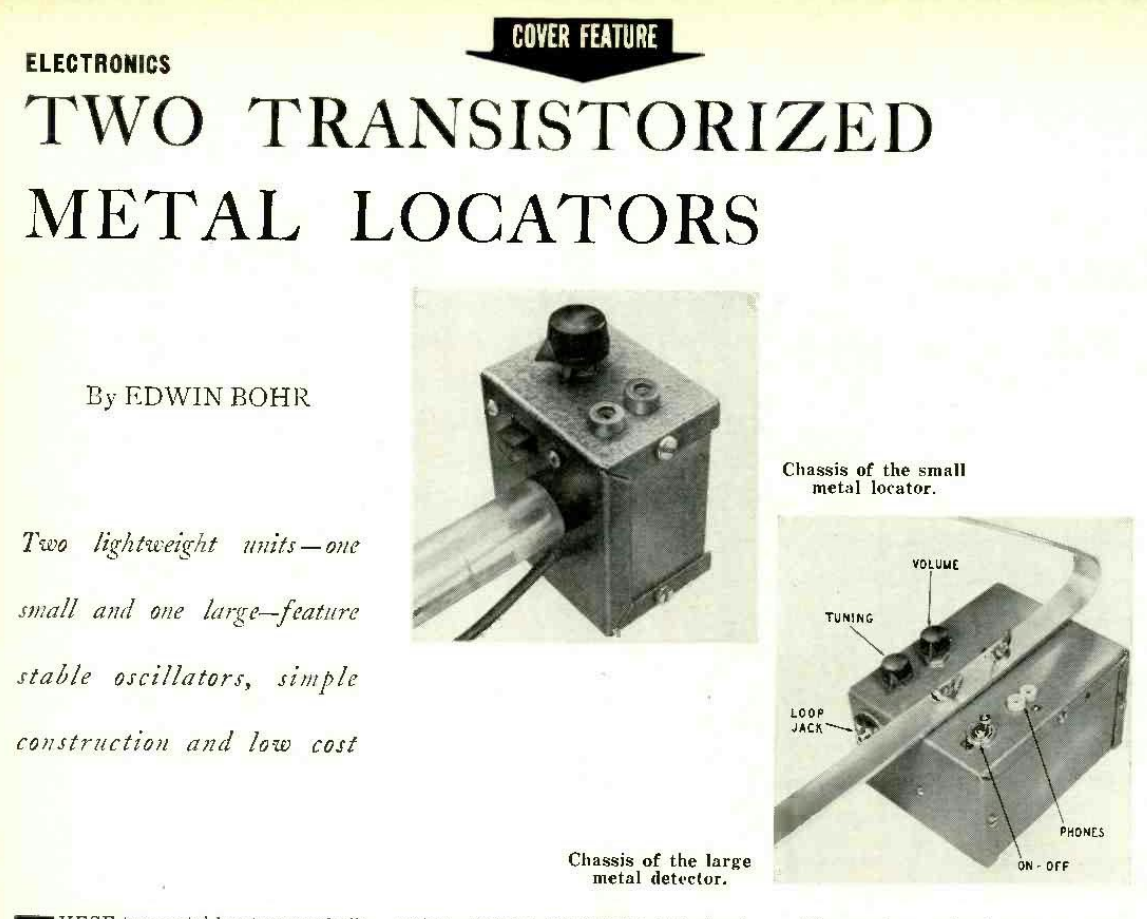
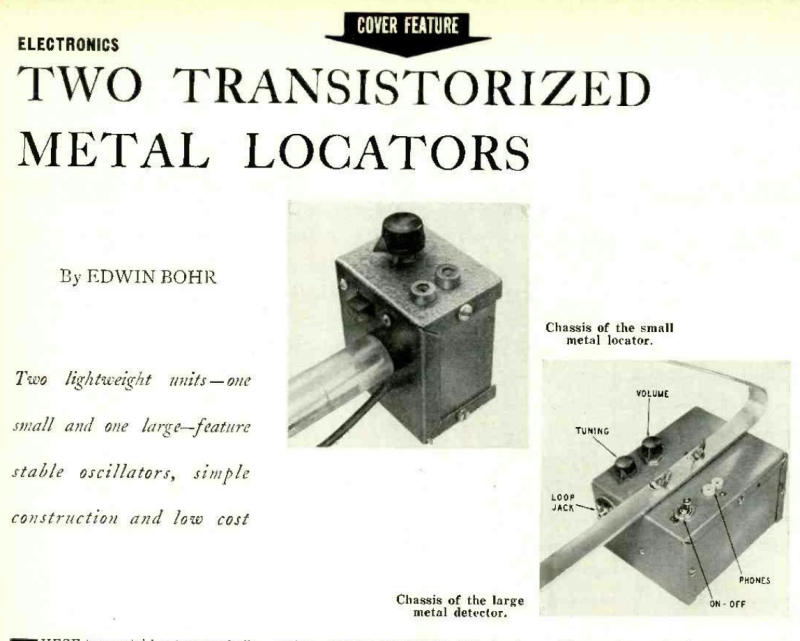
Did anyone make one of these way back when. 1955 Two Metal Detector Schematics_s_vs5.0_001.pdf
-
Something new. Take a look at the English manual. Instr. za SmartPulse_EN.pdfInstr. za SmartPulse_EN.pdfInstr. za SmartPulse_EN.pdf
-
Detector settings are sometimes called timings. Why? How can thinking about timings help me configure my detector
-
 I recently had a conversation with a well-known Electronic Prospector about companies, technology, etc. He stated that D/D coils go deeper than Concentric. If that's the case, why have all the PI Gold Hunters resorted to Mono coils? Bruce Candy and not Eric Foster invented Pulse Induction. The story I heard was Eric Foster first approached Whites with the PI Technology and was turned down. He then went to Minelab and the rest is History. Minelab sold Garrett the Technology to make the Axiom. I'd like to give Garrett a little more credit than that! Does anybody want to chime in?
 -
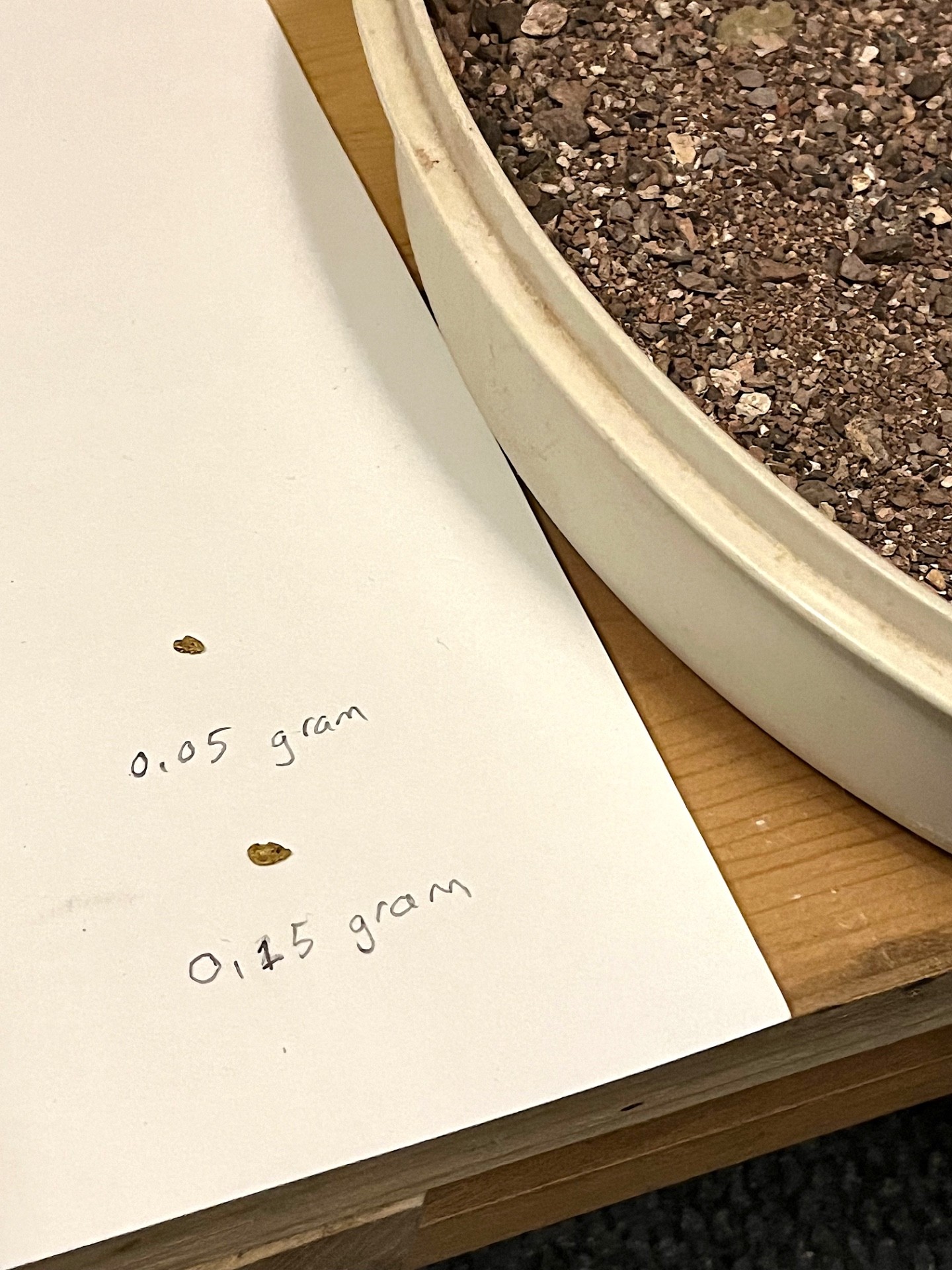
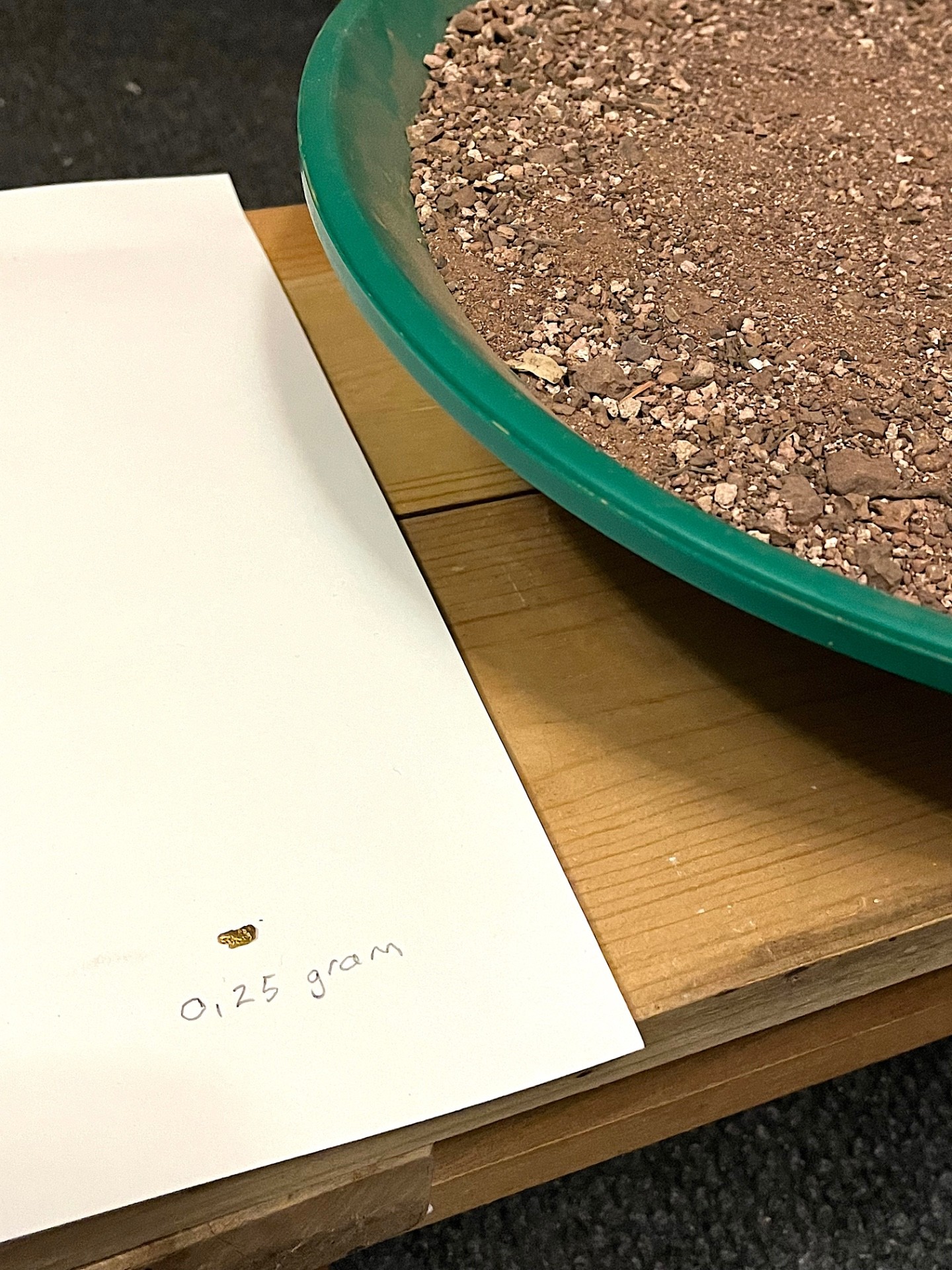
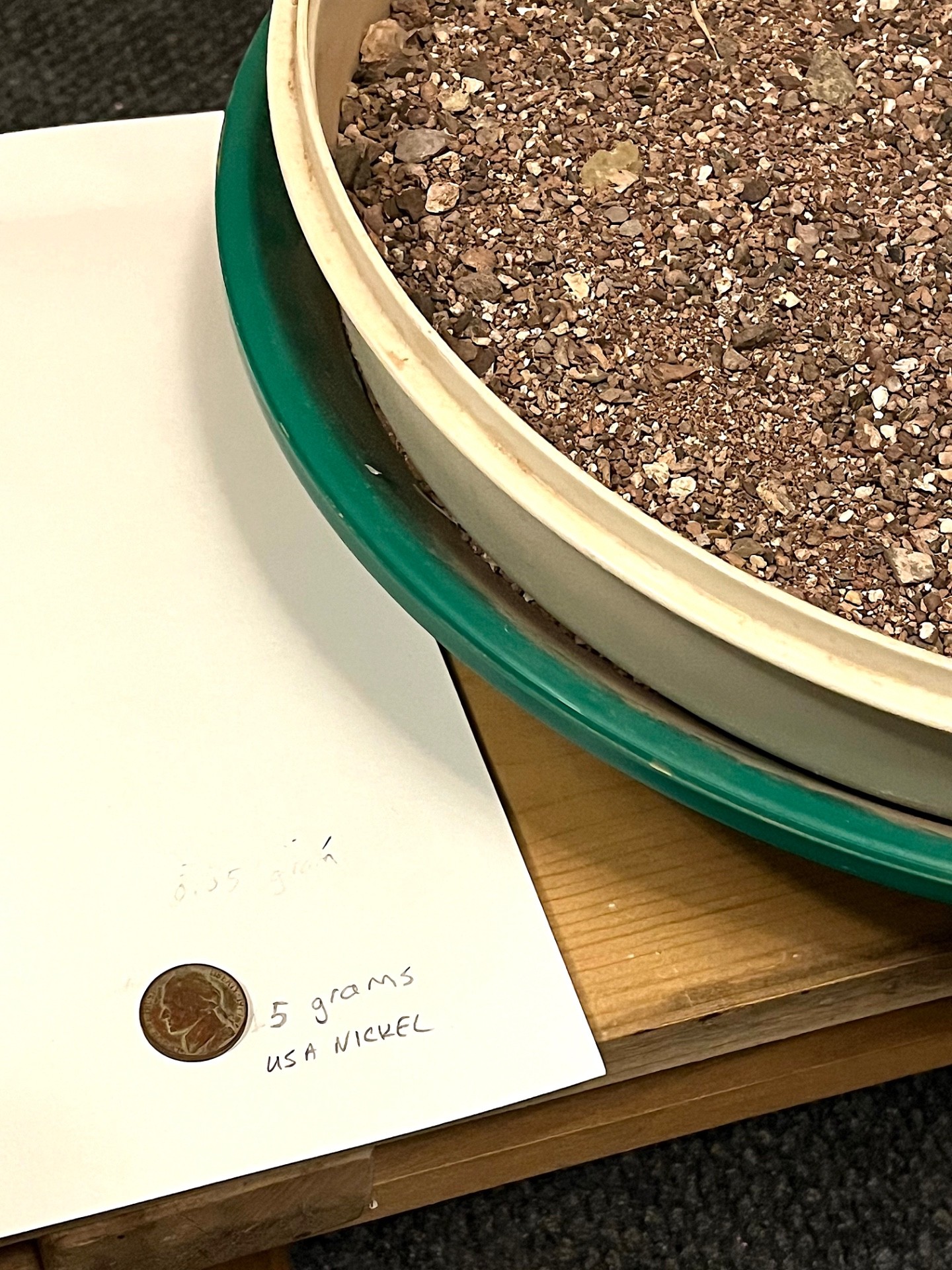
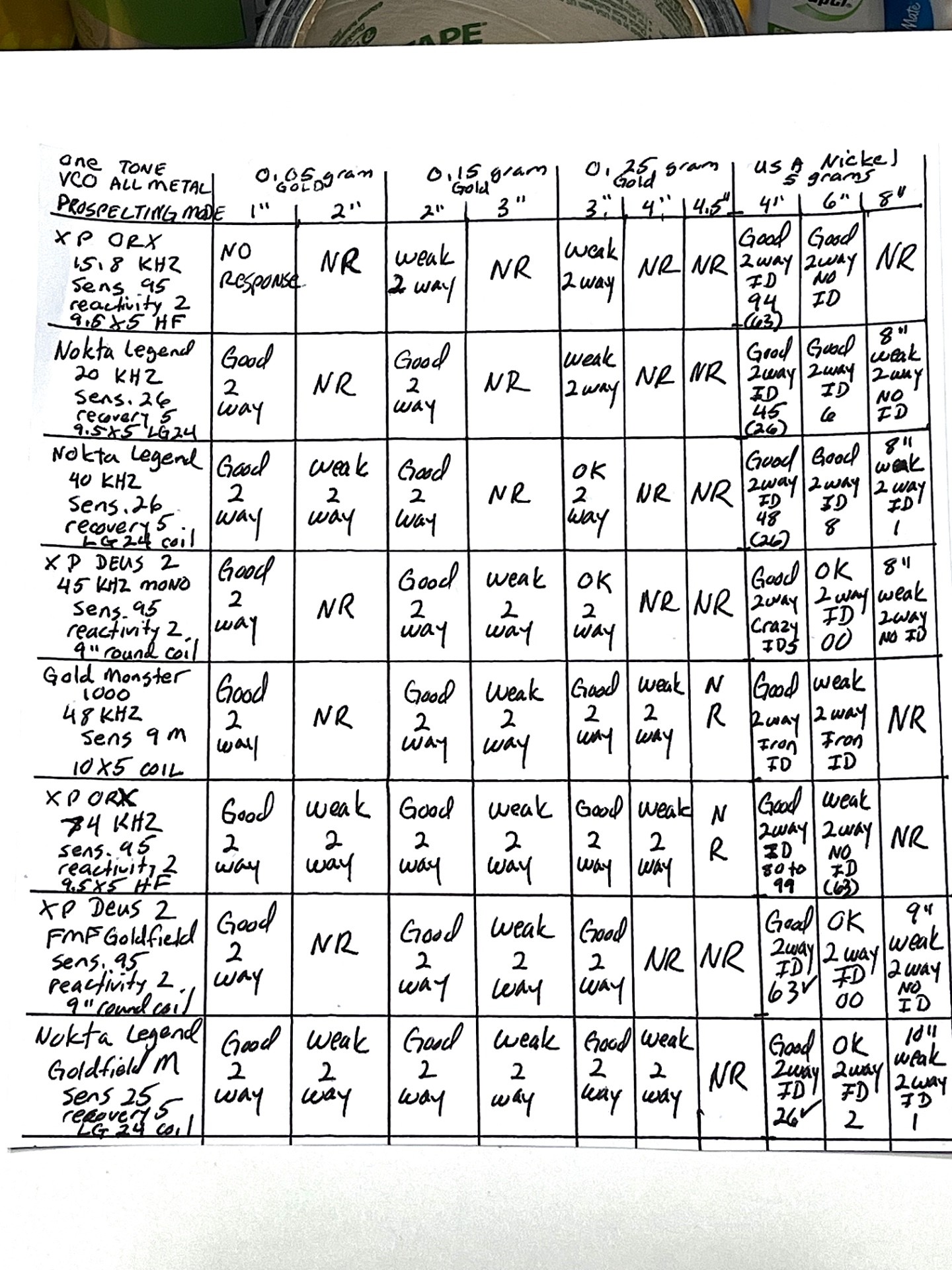
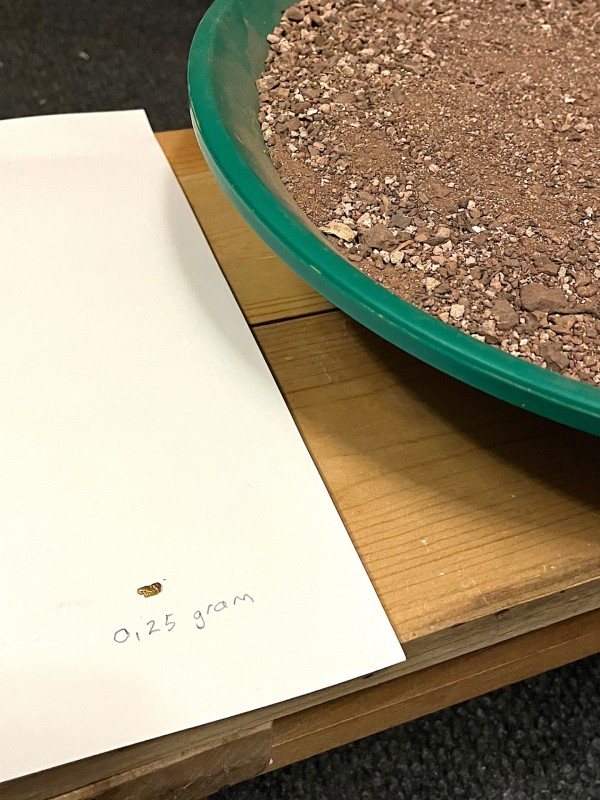
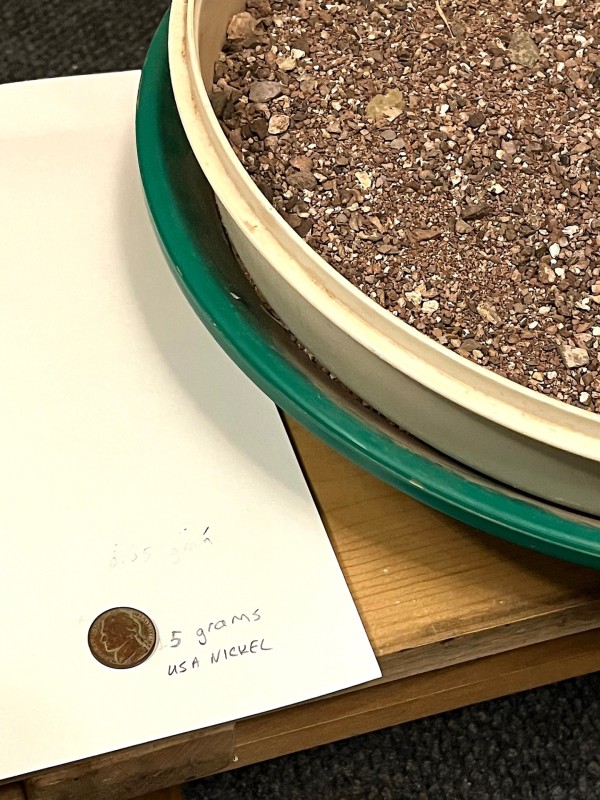
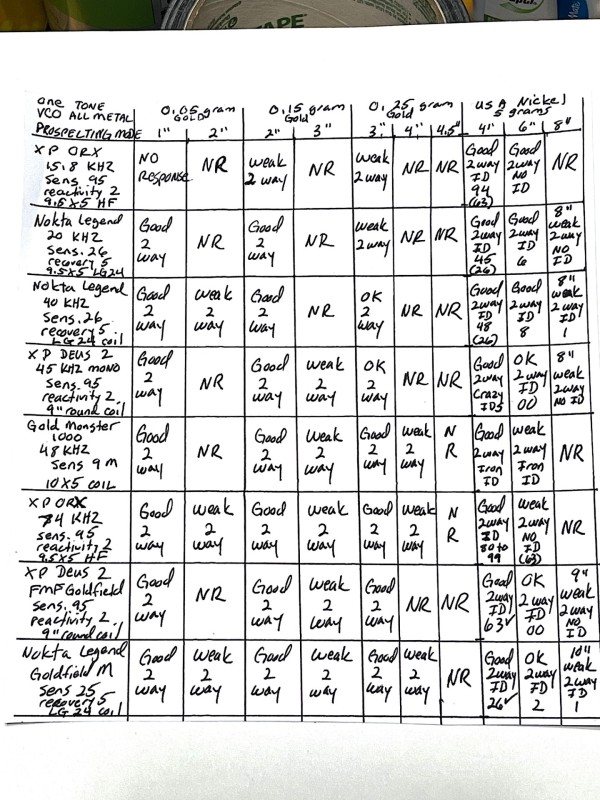
 I see this question at least once every 3 months on this forum. It goes something like this...." Are dedicated single frequency gold prospecting detectors better than the latest do everything simultaneous multi frequency detectors for gold prospecting?" Maybe this bit of semi-real world testing will help some people. I wish I had a wider selection of dedicated gold prospecting detectors, especially a Garrett/Whites Gold Master 24K and a Fisher GoldBug 2. I don't. I do have a Gold Monster 1000 (for a little while) and an XP ORX with 9.5 X 5" HF coil and its great gold prospecting modes that even have a live threshold. So I tested those two detectors and used the XP ORX in 15.8 kHz to simulate several great 13 to 18 kHz detectors that have been used for gold prospecting including the Whites MXT, Fisher F75 and the Garrett AT Gold. I used the Nokta Legend in 20 kHz to simulate several 19 to 20 kHz detectors like the First Texas Gold Bug/F19/G2+/Time Ranger Pro series and the Nokta Multi Kruzer and Anfibio. I also used the Legend in 40 kHz, XP Deus 2 in Mono 45 kHz and the XP ORX in 74 kHz. The XP Deus 2 and Nokta Legend were also tested using their simultaneous multi frequency gold prospecting modes. I consider the Equinox 800 and Legend to have almost identical gold prospecting performance. Equinox 900 is slightly better from my experience and Manticore with its 8" coil appears to be even better. So, XP ORX with HF 9.5X5" elliptical coil, GM 1000 with 10X5" elliptical coil, XP Deus 2 with 9" round coil and Nokta Legend with 9.5X5" LG24 coil. I used the Nokta Legend stock headphones with wired connections for all detectors so that there would not be any variations in sound quality. All detectors were noise canceled, ground balanced (the Gold Monster used has the updated Quick Track) and all were used in 1 tone VCO audio with absolutely no target IDs rejected. Deus 2 45 kHz Mono was set on -6.4 discrimination. EMI was a problem so the single frequency detectors and selectable single frequency detectors were able to run higher sensitivity than the Legend using its SMF so keep that in mind when viewing the results. Plus I made a mistake recording the settings in the results below. The Legend using SMF Goldfield Multi had sensitivity on 23 of 30 not 25 as reported. It was fairly quiet at that 23 setting. I had to run Deus 2's SMF Goldfield at 95 just to compete and it was EMI noisy. I tried to run this test with the Manticore but I only had the stock 11" coil and EMI was unbearable. I used a 0.05 gram nugget and a 0.15 gram nugget under 1" of moderately to highly iron mineralized Arizona gold field dirt. This dirt's magnetite mineralization almost filled up both the ORX and Deus 2 iron mineralization meters. I used a 0.25 gram nugget under 3" of the same dirt. I used a 5 gram USA modern nickel under 4" of the same dirt Any depths reported beyond those were "air gap" depths swinging the coils a few to several inches above the top surface of the dirt. Here are the results: I wish I could have done this testing outdoors in the gold fields. Weather is definitely preventing that here in Colorado. Thanks for looking.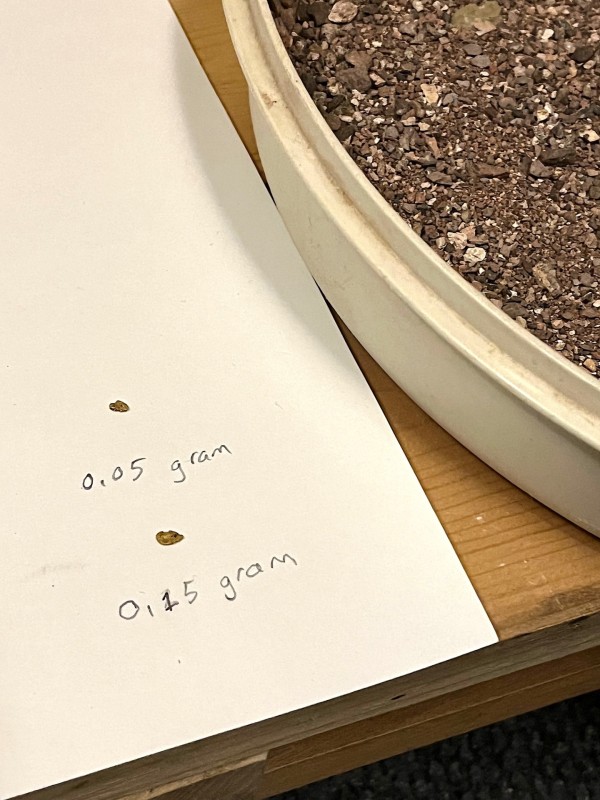
-
I’d say my predictions for 2021 were pretty spot on, with only XP surprising me with the Deus 2. 2022 looks to be less exciting in a way, as all the excitement just happened. That and White’s left the scene entirely. So we have XP and Nokta/Makro already on the scene with their big 2022 reveals. I guess a PI from NM is next up, but as they have not even got a Legend to market yet, I can’t really imagine a new PI until next year. Minelab bounces back and forth between gold machine and coin machine focus, and with GPX 6000 in the bag, a new coin machine would look to be next, especially with the E-TRAC just being discontinued. But Minelab releases are almost always foreshadowed in Codan corporate reports, and no hints there yet. Watch closely for the next one, to see if there are any reveals. But lacking that I’d say fall at earliest, and possibly slipping into next spring, as these things often do. Again, watch the corporate reports. First Texas? Still just trying to get the beach PI out the door, and went awfully quiet on the gold nugget version. All of which is funny to me, as hardly anyone wants a new PI from FT, but something to compete with the newer multifrequency detectors. Lots of old model VLFs discontinued, I’d have to think replacements are in the works. The question with FT these days is their ability to execute on the top end, and no matter what they do, holding back while bugs get worked out is a good idea. Which leaves Garrett. They bought White’s, and except for continuing with the 24K we have seen little development on that front. No surprise really…. it takes a while to digest a purchase of that size. Personally, I do not expect any other White’s models to be revived. If they were that great White’s would still be here. Apex was a surprise, but as an Ace model it’s not the higher end model people here are looking for. Obviously in the works, but when? Garrett moves slowly, so I’m not holding my breath. I’m cautiously hopeful about the future with Garrett, but it’s very much a wait and see deal with them. So to sum up, not a lot to really hold one’s breath over after the Deus 2 and Legend introductions settle down. I admit my interest in new machines is waning, as we have hit some walls in the technologies, and real advances are going to be very rare at this point. Some hints dropped about bi-polar PI at Fisher, but given they can’t get an old tech PI out the door in short order, waiting around for that seems like a poor bet. In general, all I see coming in the future is better packaging, improvements in ease of use, more power at lower price, etc. But as far as actual power, I’ve already got most of the best of what is available, and I don’t see much in the way of genuine new capability coming my way. That’s fine though. Compared to what I started with 50 years ago we’ve come light years in capability, and I am quite satisfied with what I have now. All I need is to do is find new places to detect, not wait for new detectors. I suggest you do the same.
-
All About Long Range Locators
Steve Herschbach posted a topic in Metal Detector Advice & Comparisons
From Wikipedia: "A long-range locator is a class of fraudulent devices purported to be a type of metal detector, supposedly able to detect a variety of substances, including gold, drugs and explosives; most are said to operate on a principle of resonance with the material being detected." There is more at the link, but "a class of fraudulent devices" says it all as far as I am concerned. I just wanted to post this so people can find it in the search results in case they are looking. For me these devices have always failed the most basic test... the experience of hundreds of thousands of prospectors and treasure hunters around the world. Treasure hunters and gold prospectors will give anything a try that might work, no matter how crazy it seems. If it works, the use soon spreads to other prospectors. You can Google genuine successful results for regular metal detectors all day long. The internet is full of successful people using normal metal detectors to make great finds. Except for a few obvious promotionals, the success stories of people using LRL devices are glaringly absent. All excuses for why this is so flies in the face of the simple common sense answer - they don't work. In almost 50 years of metal detecting and prospecting I have met a lot of successful people, and none of them got that way by relying on a long range locator. Part two of the common sense test is if they did work, there would be at least a few users of these devices that would be fabulously rich. The few I have met are anything but... just the opposite. Again, excuses made about why these rich LRL users are invisible fly in the face of common sense. Like wanting their privacy, as if we are not a country that brags about every tiny thing we can think of! The only people getting rich are the people selling these devices. I personally refuse to purchase anything from a company selling long range locators. It says something about the management of the company that makes me prefer to do business elsewhere. If you want the absolute best information on these device anywhere visit the website below. More at Geotech